you need to put in your avatar to the actual boostedfalcon website. if you goto your user control panel you upload it ther, but it has to be a rediculously small image size, but it seems normal quality anyway. if you cant get it small enough send it this way and ill reduce it for you then send it back.
1990 Toyota 4Runner SR5 - 5 spd manual - 33" mud tyres - BBQ gas - Slower than your nannas corolla - Goes anywhere you point it
AU Falcon - Sold
Tickford 4L - Pod - XR6 Turbo snorkel - Custom Stainless Intake - SS Inductions T/B - Ph4480's - 3" 200CPSI Hi flow cat - Custom Exhaust - T5 - Exedy HD clutch - SVI LPG - Premium sound - T3 TE50 kit - Bollé Tint - Full XR8 interior
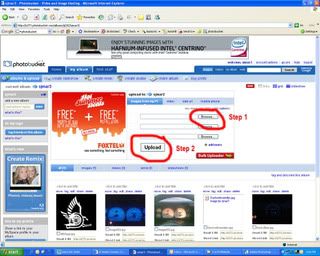
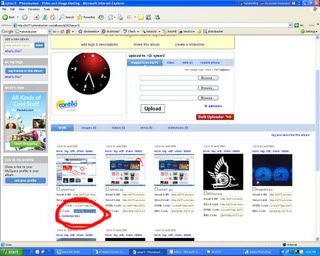
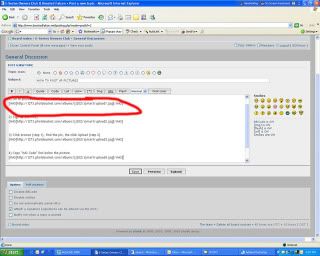
The only problem with imageshack is you dont have control over your own photo's once they've been uploaded.. (thats from memory from what i did a while ago though)
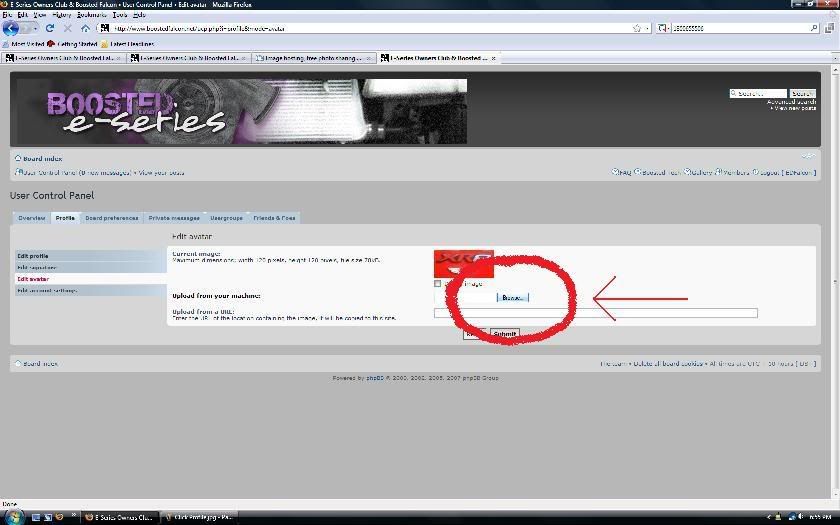
To put in an avatar
------------------------------------------------------------------------------------------------------------------------
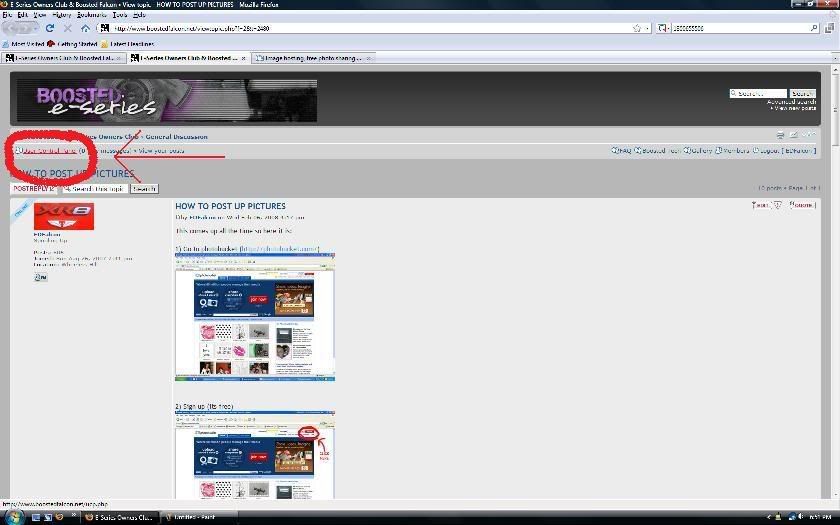
1) Go to User Control Panel
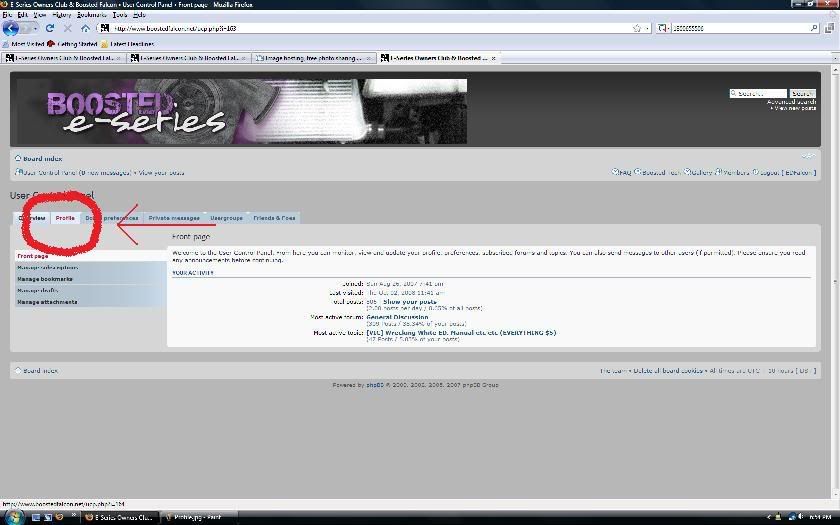
2) Click on the Profile tab
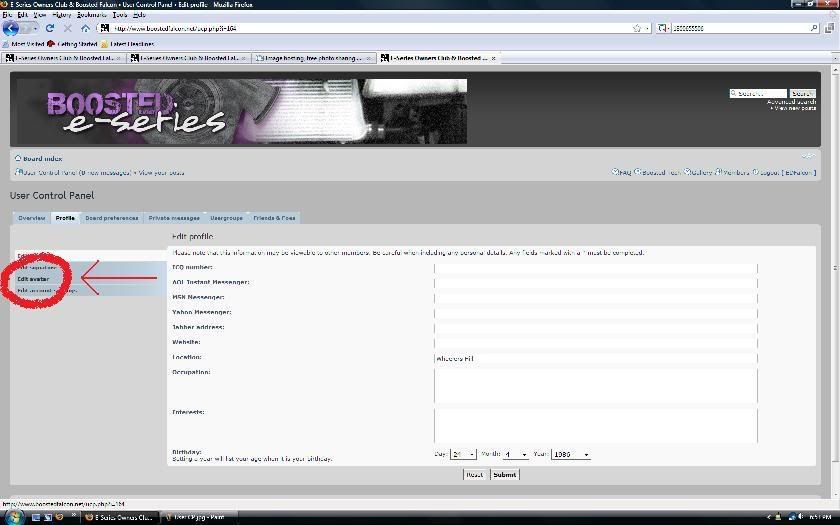
3) Click edit Avatar
4) Easiest way to upload a pic is to browse your computer for the picture you want as your avatar. Remember it has to be a maximum of the following width 120 pixels, height 120 pixels, file size 78kB. So resize the picture using paint or whatever before you upload it.

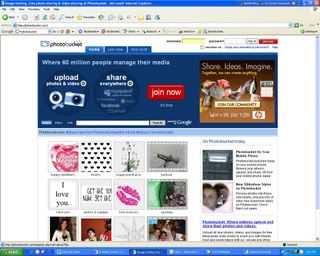
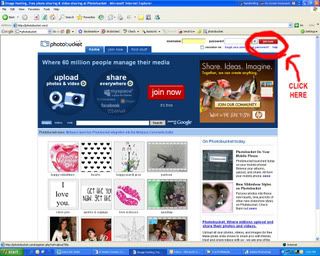






 I'm already a member on photobucket hehe Thanks